
← All WonderLister user guides
A description template — an ad template — is the look of your listing description, written
once and used on as many listings as you like. Change the template and every listing using it can be brought
up to date together, instead of one at a time.
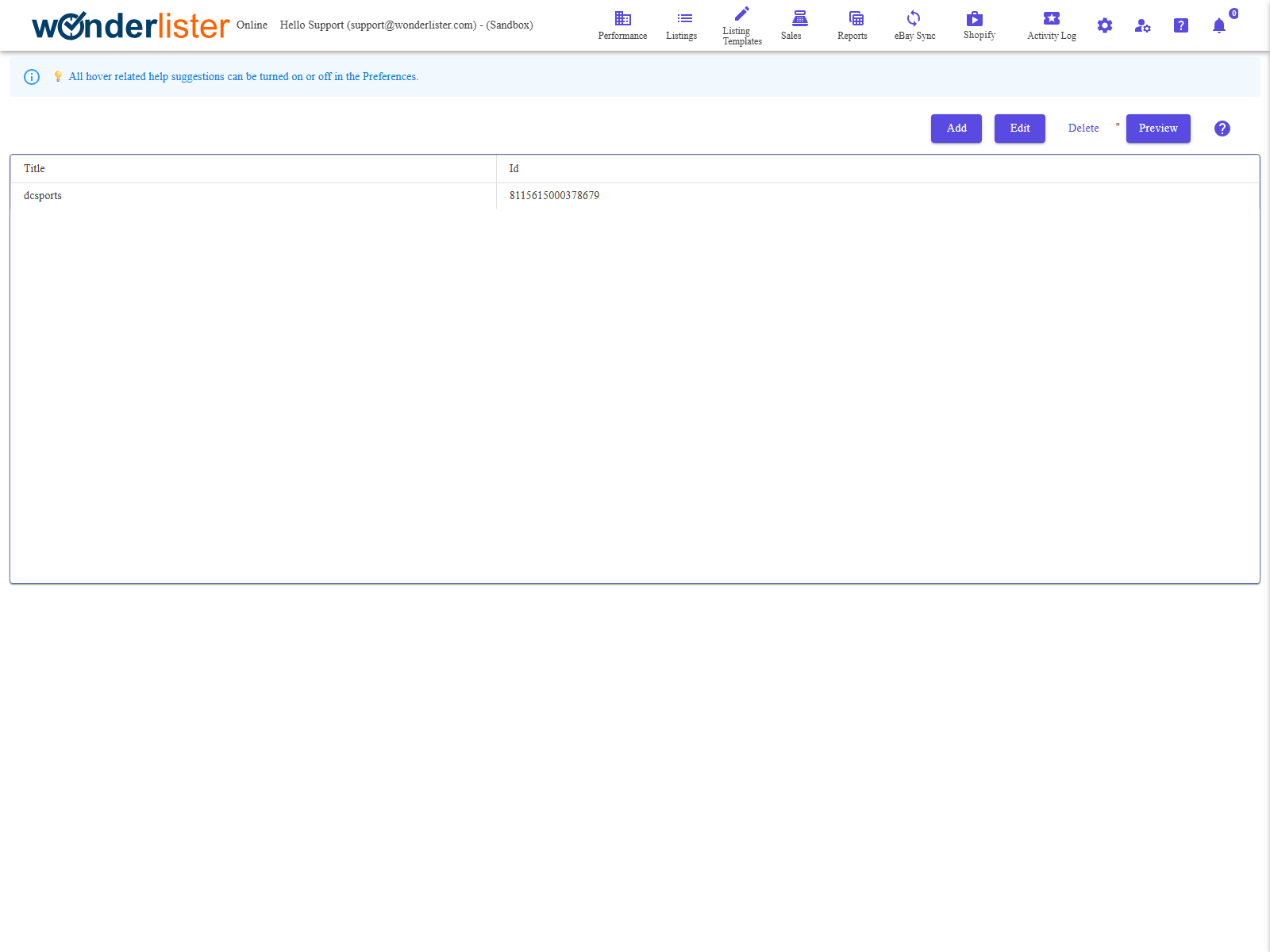
The toolbar and the list of templates.
The toolbar
| Button | What it does |
|---|---|
| Add | Opens the template editor on a new template. |
| Edit | Opens it on the selected template. |
| Delete | Deletes the selected template. |
| Preview | Shows the template as a buyer would see it, with the tags filled in. |
The columns
| Column | What it shows |
|---|---|
| Id | WonderLister’s identifier for the template. |
| Title | What you called it. This is what you pick from on a listing. |
How templates and tags fit together
- Build the template — the layout, the headings, your terms, your branding.
- Put tags in it where the item’s own details belong: the title, the price, a picture, a
custom field. Tags are managed on
Description Template Tags. - Choose the template on a listing, with
Select Description Template. - When the listing goes to eBay, the tags are replaced with that listing’s own values.
One template, many listings — that is the point. Adding a line to your returns wording in
the template reaches every listing using it, once they are resubmitted. Writing it into each description
would not.
the template reaches every listing using it, once they are resubmitted. Writing it into each description
would not.
FAQ
Q: I changed the template but eBay still shows the old text.
A: The description on eBay is what was sent when the listing was last submitted.
Resubmit the listings using the template — bulk edit and
Submit is the usual way.
Resubmit the listings using the template — bulk edit and
Submit is the usual way.
Q: Can I use more than one template?
A: As many as you like — one per kind of item is common. Each listing uses one.
Q: What happens if I delete a template in use?
A: The listings using it are left pointing at a template that no longer exists. Move
them to another one first.
them to another one first.
Q: The description picker is missing from the editor.
A: Check Hide Description Template in the Editor section of
Preferences.
Preferences.
Support
For further assistance you can:
- Email [email protected]
- Use the Contact Us page inside the application
← Back to the User Guide index
Or go to Support, the FAQs, or contact us.