
← All WonderLister user guides
Sorts the whole grid by a field of your choosing. Clicking a column heading sorts too, but only by a column
you can see; this dialog reaches every sortable field, whether or not your layout shows it.
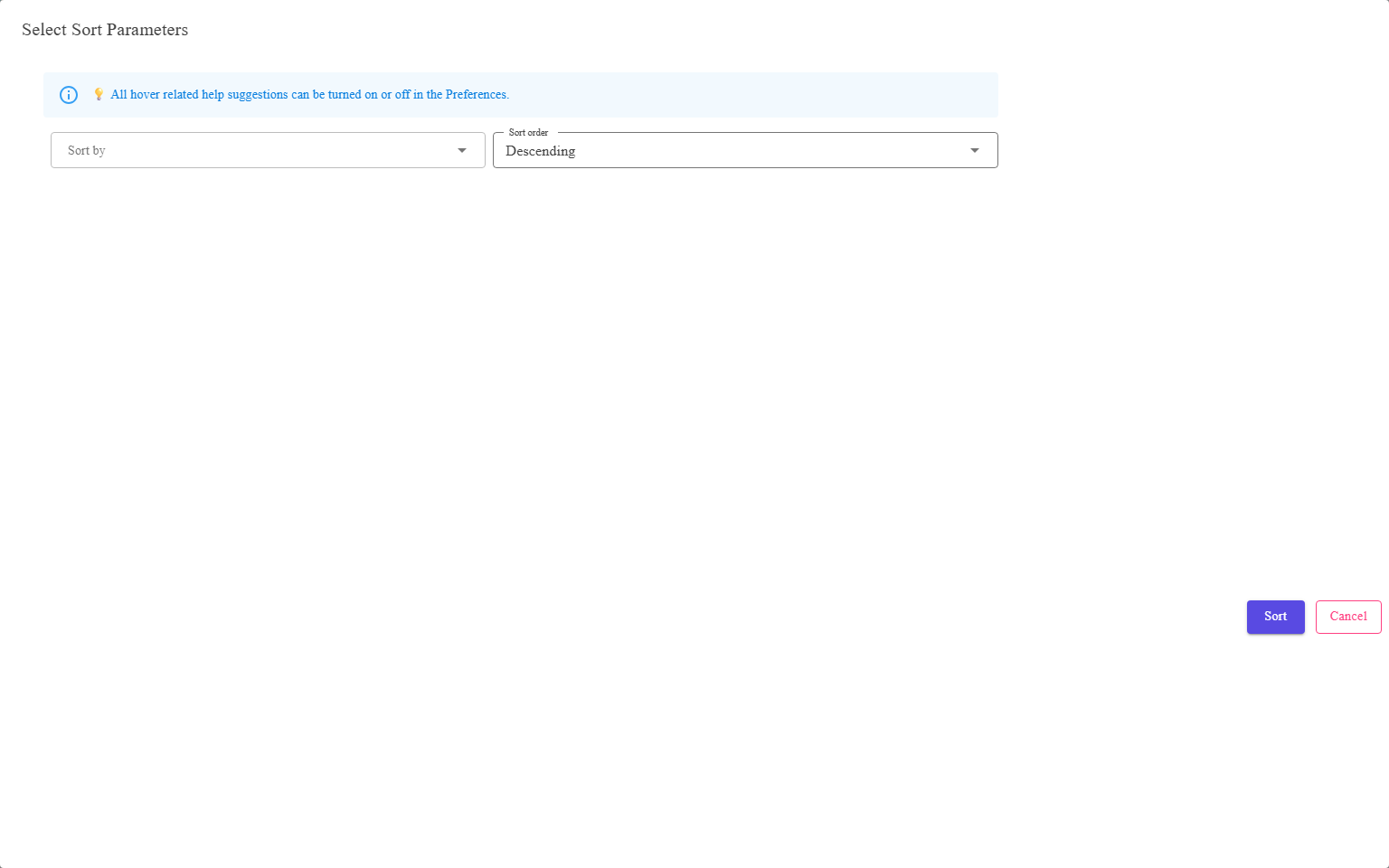
A field to sort by, a direction, and Sort or Cancel.
Where to find it
Select Sort Field on the toolbar of Listings,
Listing Templates or Sales.
What is in the dialog
| Control | What it does |
|---|---|
| Sort by | The field to sort on. The list is the sortable fields for this grid, under the same names the column headings use. |
| Sort order | Ascending or Descending. |
| Sort | Applies it and closes. |
| Cancel | Closes without changing the order. |
This sorts the whole result, not the page on screen. That is the difference from clicking a
heading on a grid that is showing you one page of many — the order is applied to everything the grid is
showing you, and the first page is fetched again from the top of the new order.
heading on a grid that is showing you one page of many — the order is applied to everything the grid is
showing you, and the first page is fetched again from the top of the new order.
When to use it rather than a column heading
- The field you want to sort on is not in your layout.
- You want to be explicit about the direction rather than clicking twice to find out.
- You are about to bulk assign pictures, which requires the grid to be sorted by Listing
Id — see Bulk assign pictures.
FAQ
Q: The field I want is not offered.
A: Not every field can be sorted on. If one you need is missing, tell support which
field and which grid.
field and which grid.
Q: Can I sort by two fields at once?
A: Not from this dialog — it takes one field and one direction.
Q: My sort was lost when I searched.
A: A new search fetches a fresh result. Apply the sort again afterwards.
Q: Why does clicking a column heading sometimes give a different order?
A: A heading sorts by that column; this dialog sorts by the field you name, applied
to the whole result. On a grid showing one page of many, that is the one to use.
to the whole result. On a grid showing one page of many, that is the one to use.
Support
For further assistance you can:
- Email [email protected]
- Use the Contact Us page inside the application
← Back to the User Guide index
Or go to Support, the FAQs, or contact us.