
← All WonderLister user guides
A custom field is one of your own, for something WonderLister has no box for — a supplier
reference, an auction lot number, a grading, a shelf code. You define the fields here and fill them in on
each item.
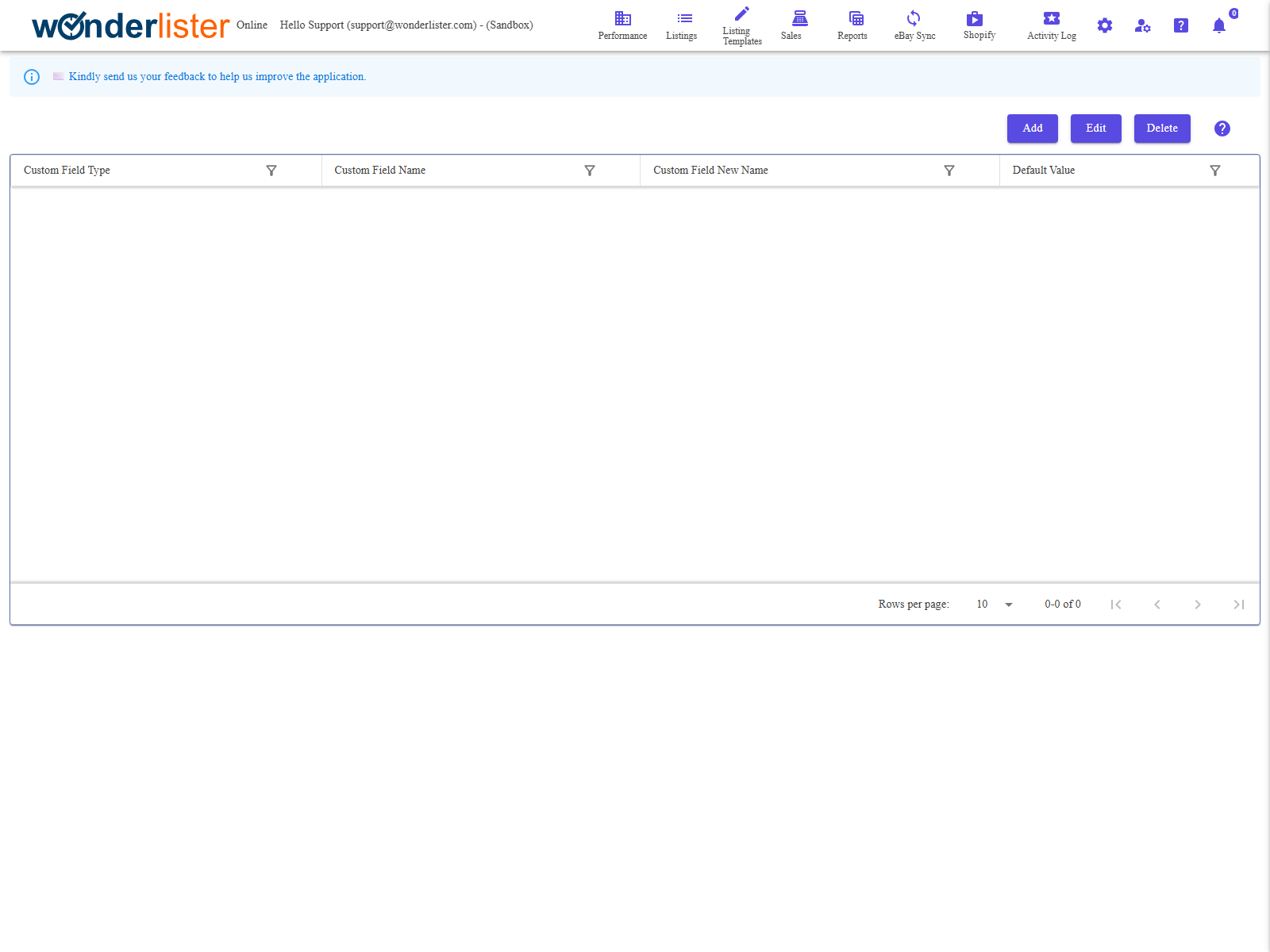
The toolbar and the grid of custom fields.
The toolbar
| Button | What it does |
|---|---|
| Add | Opens the custom field editor on a new field. |
| Edit | Opens it on the selected field. |
| Delete | Deletes the selected field. |
The columns
| Column | What it shows |
|---|---|
| Custom Field Type | What the field is attached to: Products, Sales or Consignors. |
| Custom Field Name | The field’s name. |
| Custom Field New Name | Used when renaming — the new name is entered here and the rename carried through. |
| Default Value | What a new item starts with in this field. Optional. |
The type decides where the field appears. A Products field shows on listings and
listing templates, a Sales field on orders, and a Consignors field on consignor records. It
cannot be in two places at once, so choose the type before you create the field.
listing templates, a Sales field on orders, and a Consignors field on consignor records. It
cannot be in two places at once, so choose the type before you create the field.
What custom fields are good for
- Buying information — what you paid, where it came from, the lot number.
- Your own codes — a grading, a condition scale, a batch.
- Anything you want to search or export on — custom fields appear in the search fields, in
grid layouts and in exports.
Related fields can be gathered into a group so the editor shows them together — see
Custom Field Groups.
FAQ
Q: Does eBay see custom fields?
A: No. They are yours. eBay’s own per-category attributes are
Item Specifics, which are a different thing.
Item Specifics, which are a different thing.
Q: Can I rename a field without losing the data?
A: That is what the Custom Field New Name column is for — the rename
is carried through to the items using it.
is carried through to the items using it.
Q: What happens if I delete a field?
A: What was stored in it on your items goes with it. Export first if the data
matters.
matters.
Q: I cannot see custom fields in the editor.
A: Check Hide Custom Fields in the Editor section of
Preferences.
Preferences.
Q: Can I set one on many listings at once?
A: Yes — custom fields are available in Bulk Edit.
Support
For further assistance you can:
- Email [email protected]
- Use the Contact Us page inside the application
← Back to the User Guide index
Or go to Support, the FAQs, or contact us.