
← All WonderLister user guides
A consignor is someone whose goods you sell on their behalf. WonderLister tracks who owns
what, works out what each consignor is owed once an item sells, and reports it. This page is the list of
consignors.
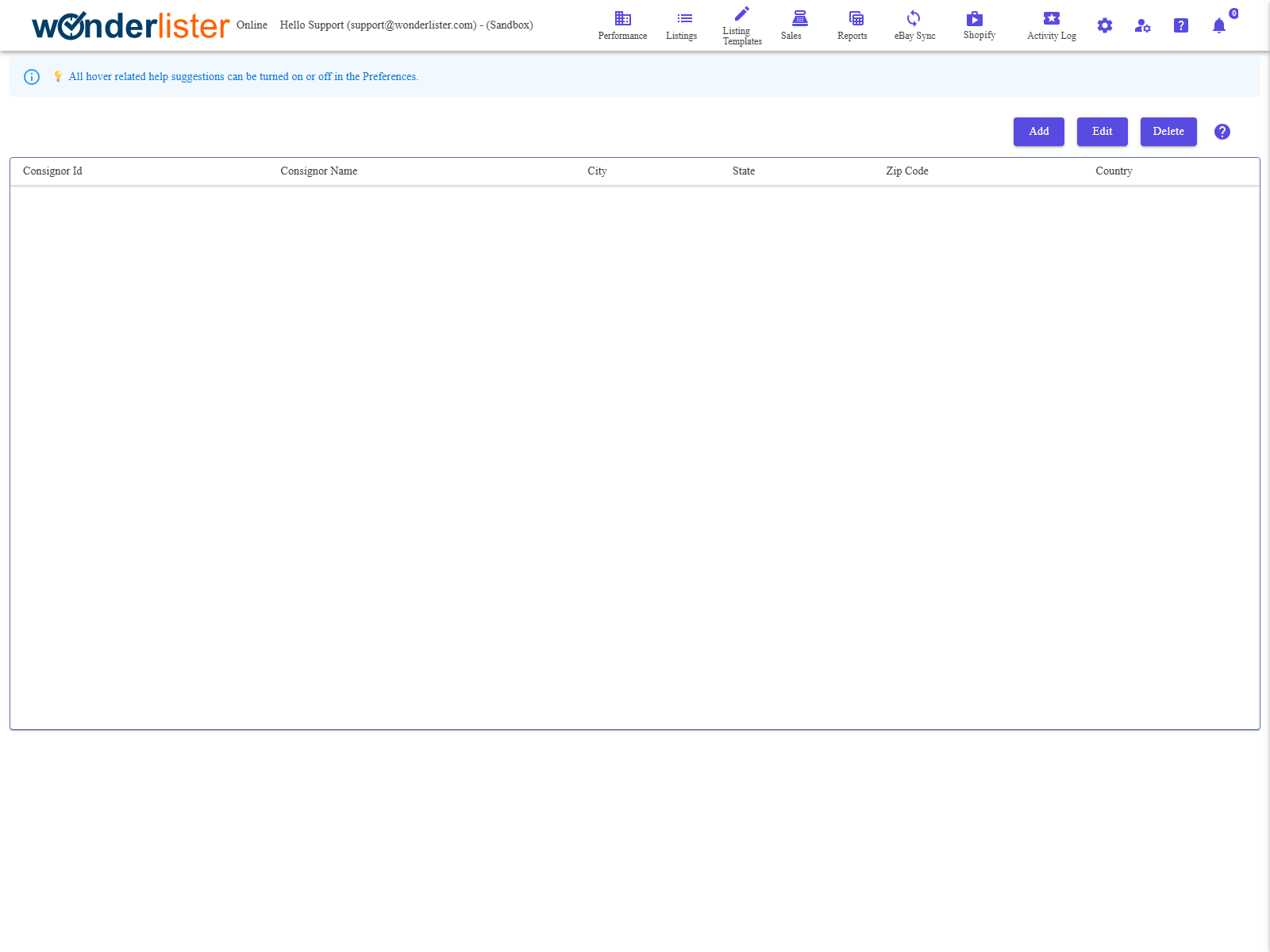
The toolbar and the grid of consignors.
The toolbar
| Button | What it does |
|---|---|
| Add | Opens the consignor editor on a new consignor. |
| Edit | Opens it on the selected one. |
| Delete | Deletes the selected consignor. |
The columns
| Column | What it shows |
|---|---|
| Consignor Id | WonderLister’s identifier. |
| Consignor Name | Their name. |
| City, State, Zip Code, Country | Enough of the address to tell two people of the same name apart. |
How consignment fits together
- Create the consignor here.
- Create a consignor policy saying what you charge — see
Consignor Policy Editor. - Put both on the listing, with
Select Consignor and
Select Consignor Policy. - Sell the item. WonderLister works the commission out from the policy.
- Run the consignor report from Reports to see what is owed.
The consignor field can be hidden. If you do not sell on consignment, Hide Consignor
in the Editor section of Preferences takes it out of the
listing editor.
in the Editor section of Preferences takes it out of the
listing editor.
FAQ
Q: Can one consignor have several policies?
A: Yes — the policy is chosen per listing, so different items for the same person can
be on different terms.
be on different terms.
Q: Can I delete a consignor with sold items?
A: You will lose the link between those sales and the person, and the consignor report
with it. Keep the record.
with it. Keep the record.
Q: Where do I see what a consignor is owed?
A: The consignor report, from Reports. Whether it shows the
commission is governed by Hide Commission in Consignor Report in
Preferences.
commission is governed by Hide Commission in Consignor Report in
Preferences.
Q: Do consignors see anything?
A: Not directly. The report is for you to send them.
Support
For further assistance you can:
- Email [email protected]
- Use the Contact Us page inside the application
← Back to the User Guide index
Or go to Support, the FAQs, or contact us.