
← All WonderLister user guides
Adds or changes one consignor — the person or business whose goods you sell on their behalf. This is contact
detail only; what you charge them lives in a
consignor policy.
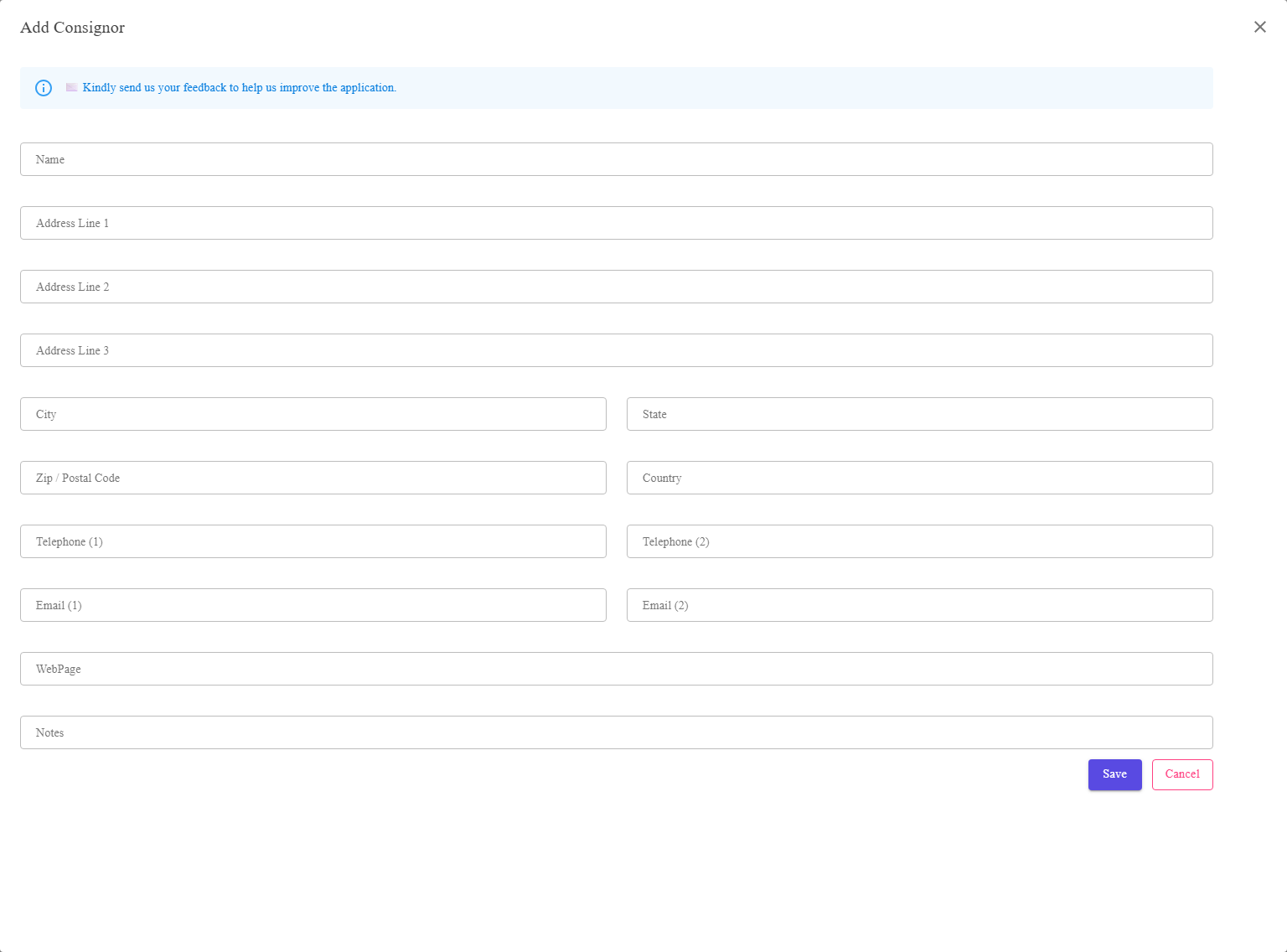
Name, address, contact details and notes.
Where to find it
Add or Edit on the Consignors page.
The fields
| Field | What it is |
|---|---|
| Name | The consignor’s name. This is what you will pick from on a listing, so make it unambiguous where two people share a surname. |
| Address Line 1, 2, 3 | Their address. |
| City, State, Zip / Postal Code, Country | The rest of it. These four also appear as columns on the Consignors page. |
| Telephone (1) and (2) | Contact numbers. |
| Email (1) and (2) | Contact addresses — useful for sending them their report. |
| WebPage | Their website, if they have one. |
| Notes | Anything else worth remembering. Private to you. |
Nothing here reaches eBay or the buyer. A consignor is your own record of who owns the
goods. Buyers see your listing and your details.
goods. Buyers see your listing and your details.
FAQ
Q: Which fields must I fill in?
A: The name is the one that matters — it is how you will find them. The address helps
tell people apart in the grid, and an e-mail address makes sending the report easy.
tell people apart in the grid, and an e-mail address makes sending the report easy.
Q: Where do I set what I charge them?
A: Not here. Create a consignor policy and
choose it on the listing.
choose it on the listing.
Q: Can a consignor also be a buyer?
A: They are unrelated records. A consignor is your own; a buyer is an eBay member.
Support
For further assistance you can:
- Email [email protected]
- Use the Contact Us page inside the application
← Back to the User Guide index
Or go to Support, the FAQs, or contact us.