
← All WonderLister user guides
This page holds your own WonderLister account details — the name, e-mail address and telephone number the
service has for you. It is a short form and a Save button.
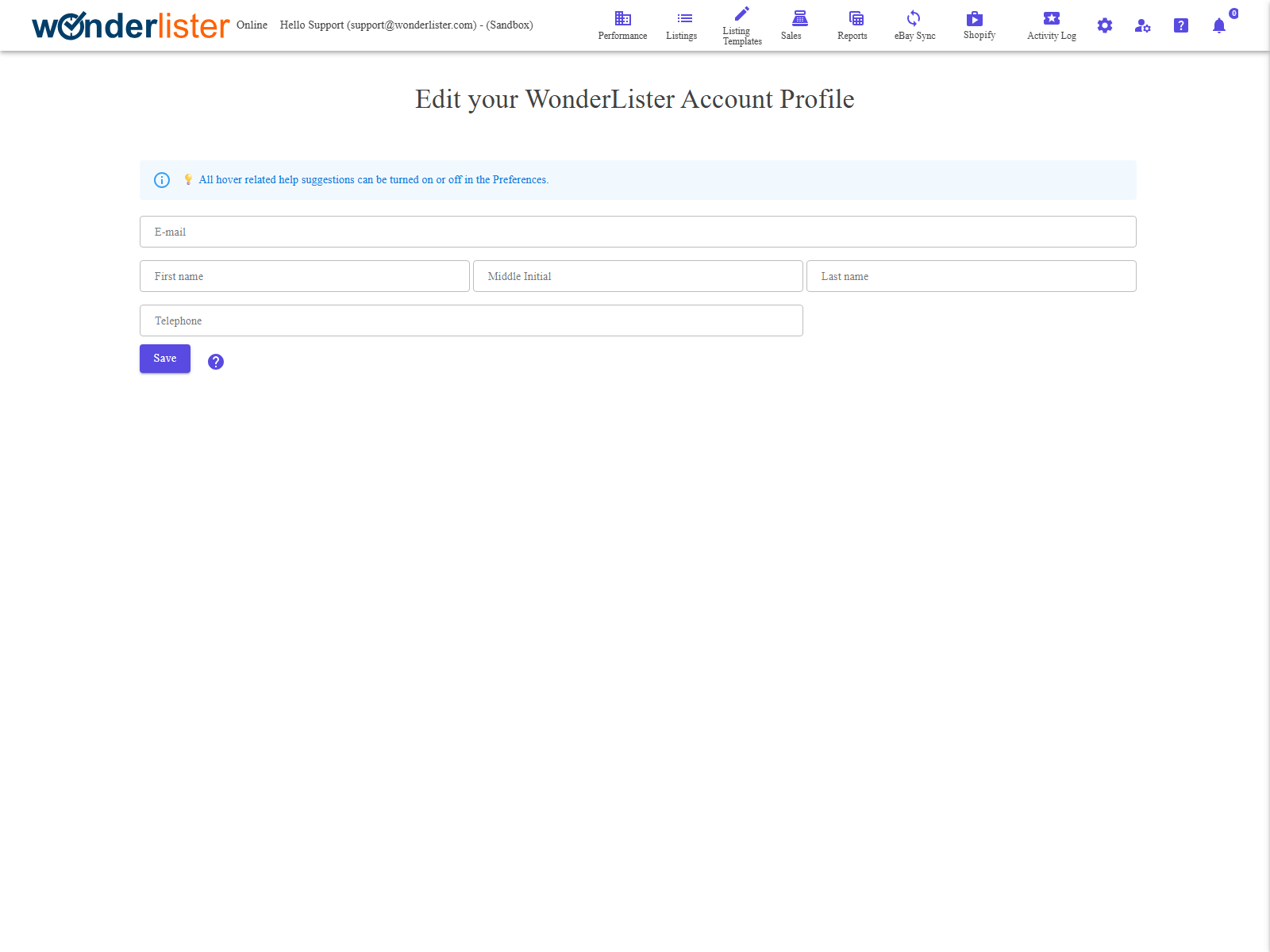
The profile form. The page opens with your current details already loaded.
The fields
| Field | What it is |
|---|---|
| The address WonderLister writes to — import notifications, subscription receipts and password resets all go here. It is also the address you sign in with. Required. |
|
| First name | Required. |
| Middle Initial | Optional. |
| Last name | Required. |
| Telephone | Required. Used by support when an e-mail exchange is not enough. |
| Save | Sends the change. The page confirms when it has been accepted. |
Four fields cannot be left blank. E-mail, first name, last name and telephone are all
required; saving without one of them stops with a message naming it, and nothing is sent.
required; saving without one of them stops with a message naming it, and nothing is sent.
What this page does not change
- Your password — see Change Password.
- Your subscription — see Subscriptions.
- Your eBay account details. Nothing here reaches eBay; your eBay user id, its
registration address and its contact details are eBay’s own and are changed on eBay. - Staff accounts. A staff member edits their own profile here; the owner manages the list
on Staff Accounts.
FAQ
Q: If I change the e-mail address here, does my sign-in change?
A: Yes — the address on your account is the address you sign in with. Use one you can
receive mail at, because a password reset is sent to it.
receive mail at, because a password reset is sent to it.
Q: I saved and nothing seems to have happened.
A: The page shows a message either way: a confirmation when the change was accepted,
or the reason it was not. If a required field is empty the message names that field.
or the reason it was not. If a required field is empty the message names that field.
Q: Where do I change my company name?
A: The company on your account is kept, but it is not edited from this form. Contact
support to have it changed.
support to have it changed.
Q: Does this change the name buyers see?
A: No. Buyers see your eBay account, not your WonderLister profile.
Support
For further assistance you can:
- Email [email protected]
- Use the Contact Us page inside the application
← Back to the User Guide index
Or go to Support, the FAQs, or contact us.