
← All WonderLister user guides
This page changes the password on your WonderLister account. You need the password you use now — this is not
the page for a password you have forgotten.
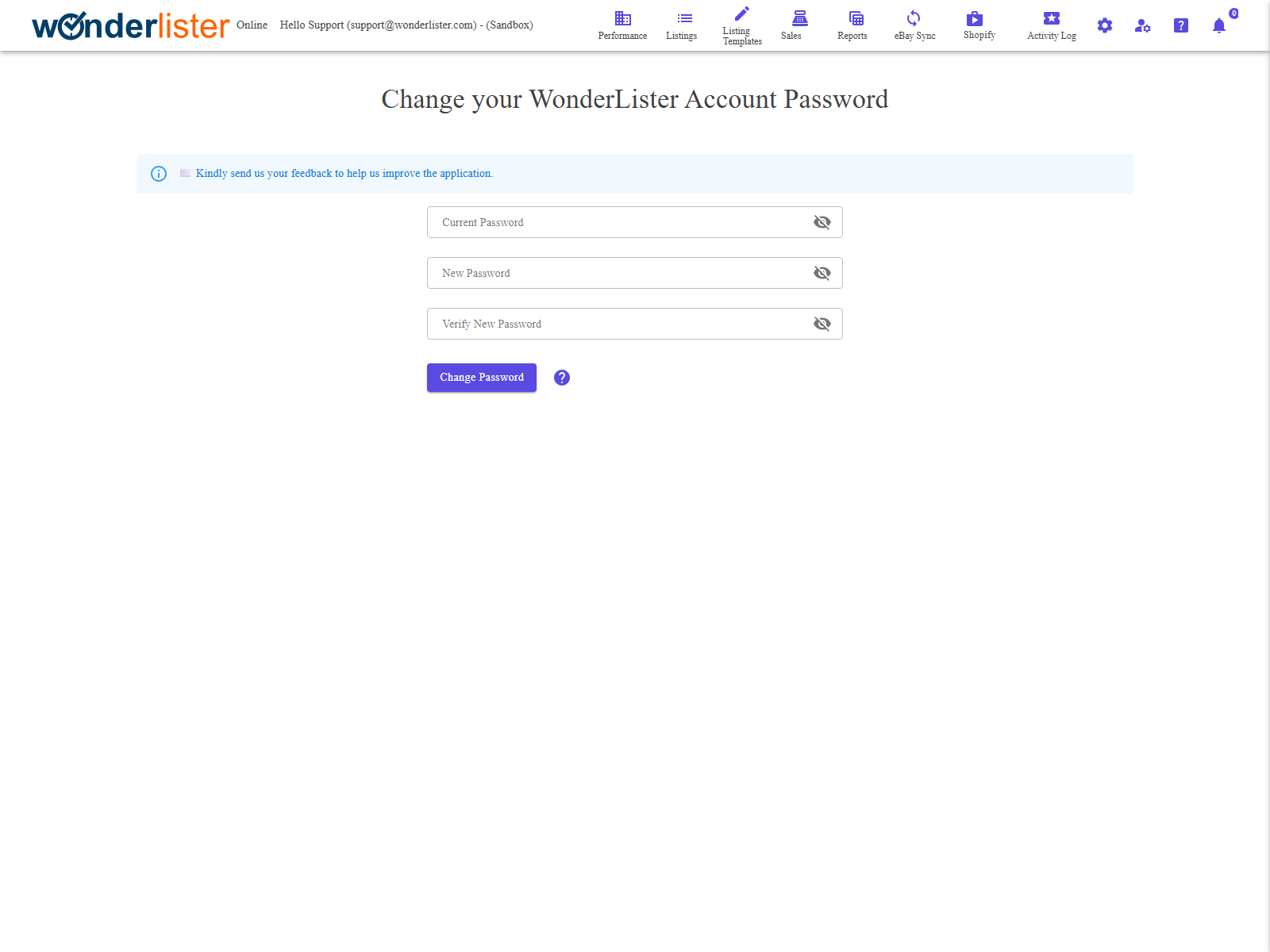
Three fields and one button. Each field has an eye icon that reveals what you typed.
The fields
| Field | What it is |
|---|---|
| Current Password | The password you sign in with today. |
| New Password | What you want it to become. |
| Verify New Password | The new password again. The two must match exactly. |
| The eye icon | At the right of each field. Reveals what you have typed, and hides it again. Each field toggles independently. |
| Change Password | Submits the change. |
You are signed out when it succeeds. A successful change takes you straight to the sign-in
page, where you sign in again with the new password. That is deliberate — it confirms the new password works
before you rely on it.
page, where you sign in again with the new password. That is deliberate — it confirms the new password works
before you rely on it.
How to use it
- Type your current password.
- Type the new password, twice.
- Press Change Password.
- Sign in again with the new password.
What stops the change
- Any of the three fields left empty — the message names which.
- The two new passwords not matching.
- The current password being wrong.
In every case nothing is changed and you stay on the page.
FAQ
Q: I have forgotten my password, so I cannot fill in the first field.
A: Use Forgot password on the sign-in page
instead. A reset link is sent to the e-mail address on your account.
instead. A reset link is sent to the e-mail address on your account.
Q: Does this change my eBay password?
A: No. This is your WonderLister password only. Your eBay password is changed on
eBay, and WonderLister never has it — the link to your eBay account is a permission you granted, not a
stored password.
eBay, and WonderLister never has it — the link to your eBay account is a permission you granted, not a
stored password.
Q: I am signed in on the desktop application as well. What happens there?
A: The next time it needs to sign in, it will want the new password.
Q: I changed a staff member’s password — where?
A: Not here. This page changes the password of whoever is signed in. Staff accounts
are managed by the owner on Staff Accounts.
are managed by the owner on Staff Accounts.
Support
For further assistance you can:
- Email [email protected]
- Use the Contact Us page inside the application
← Back to the User Guide index
Or go to Support, the FAQs, or contact us.