
← All WonderLister user guides
eBay runs a separate marketplace — a site — for each country it operates in. This page is
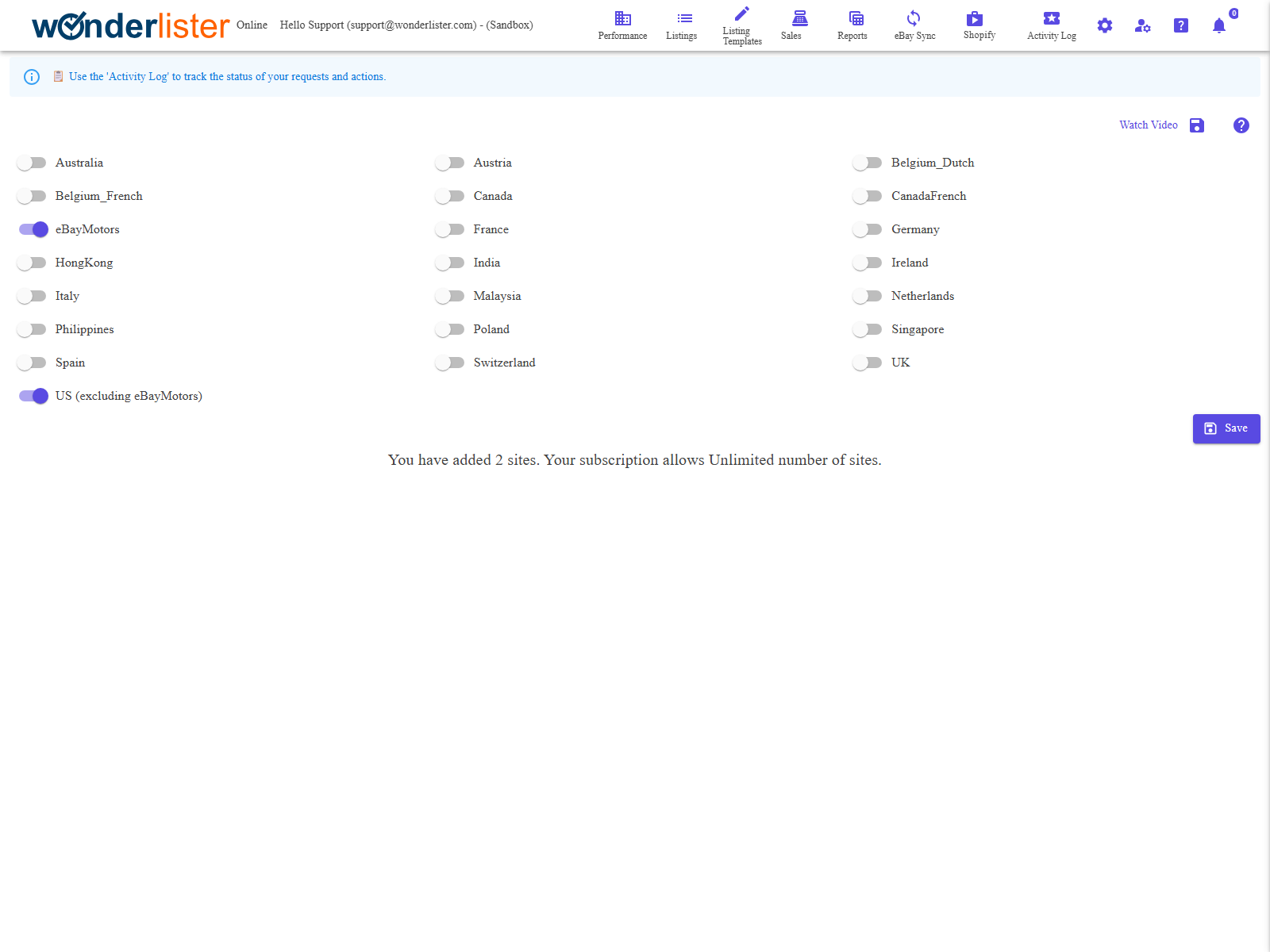
where you say which of them you sell on. It is a short list of switches and a Save button,
but it decides a great deal: WonderLister only imports listings and sales for the sites configured here, and
the account, category, business-policy and shipping choices elsewhere in the application are all offered per
site.
listings and sales, and the import covers only the sites already configured. A site ticked afterwards will
not bring its history across on its own. If you have not linked an account yet, this page says so and offers
a Next: link your eBay account button once you have saved.
What is on this page
| Control | What it does |
|---|---|
| One switch per site | Turn on every marketplace you sell on. The list is eBay’s own, so it includes sites you will never use — leave those off. |
| US (excluding eBayMotors) | The US site. The suffix is a clarification, not a separate marketplace: the WonderLister US site does not cover eBay Motors. |
| Save | Sends the selection. There is a save icon at the top of the page and a Save button at the bottom; they do the same thing. |
| Watch Video | Opens the tutorial video for this page. |
| The line under the list | How many sites you have added, and how many your subscription allows. An Upgrade subscription link appears once you reach the limit. |
How to use it
- Turn on the sites you sell on.
- Press Save. The count above updates to match.
- Link your eBay account on Manage eBay Accounts,
which is what starts the import.
Permissions
The page is drawn only for an account administrator or a staff account granted Manage eBay sites;
anyone else is told they are not authorised. Staff permissions are set on
Staff Accounts.
FAQ
“Unlimited”. Plans are on Subscriptions.
covered by the US site here.
moment. If you add a site later, use eBay Sync to bring that site’s data in.
is missing, contact support with the site name.
included in future imports. Nothing on eBay changes.
see it and you do have accounts linked, reload the page — and tell support if it persists.
Support
For further assistance you can:
- Email [email protected]
- Use the Contact Us page inside the application
← Back to the User Guide index
Or go to Support, the FAQs, or contact us.